Open Dhar Player
Install the app on your supported screen and open Playlist settings.
One player. Every screen.
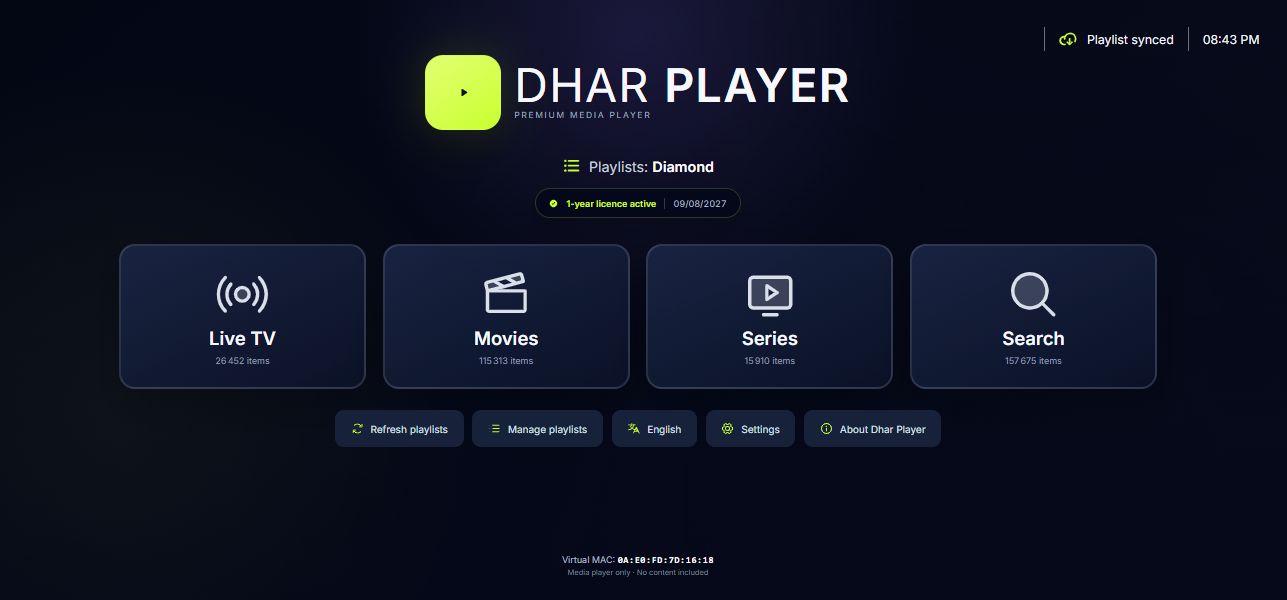
Pair Dhar Player with your private Virtual MAC and the temporary code displayed inside the app. Your playlist settings sync automatically.
Secure activation
Open Settings → Playlist in Dhar Player. The app shows a Virtual MAC and a 6-digit pairing code.
Install the app on your supported screen and open Playlist settings.
Use the app-generated Virtual MAC and temporary pairing code above.
Add a lawful M3U URL you control or are authorised to use, then choose it as active.
Built for the living room
Private by design
Playlist URLs are encrypted at rest. Operational views show metadata only and never reveal decrypted provider credentials.
Trial status comes from server time and stays linked to the installation.
Channels can use playlist EPG data; playback supports subtitles, audio tracks and display sizing.